
Shelf
Shelves are very broad topics which themselves take multiple books to detail. Shelves hold no information themselves, but allow shelf maintainers to add and remove books, or make new books, to achieve the goal of whatever the shelf aims to achieve. Shelfs are purely organizational, and purely for sorting out books into usable groups. Books are not limited to being on just one shelf. Books also do not need to be on a shelf.
Viewing the Shelves
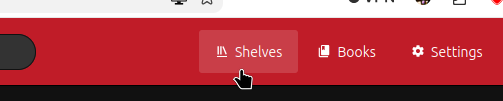
You can always reach the shelves by click on the shelves button in the navigaiton bar.
Making a Shelf
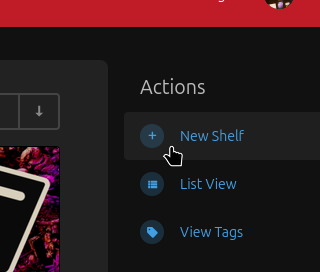
While viewing all the shelves, you can create a new shelf from the action menu.
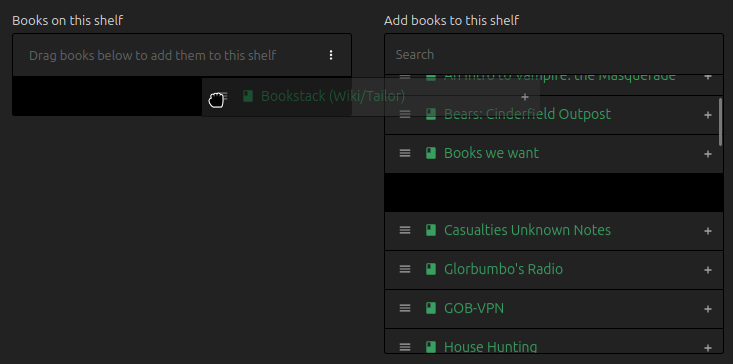
The name will appear whenever the shelf is referenced, and the description will only appear when viewing all shelves, or at the top when viewing the shelf. The cover image is only visible when viewing all Shelves. There will also be the option to add existing books to the shelf, this choice is non-permanent and may be altered whenever. To add existing books, click the 3 lines next to the book name and drag it to the list on the left. (Doing this will not remove the book from any other shelves).
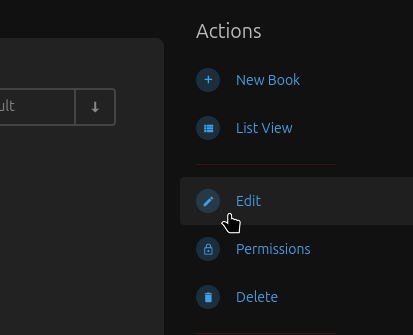
You can access this menu again whenever you like by pressing Edit in the Action menu on any existing shelf.
No comments to display
No comments to display