
Chapter
A chapter are an optional way to further organize the pages inside a book. Chapters act as a way to bundle a set of pages together into a drop-down menu in most interfaces. This is mostly used for categorization, and rarely altering permissions in advanced setups. Pages inside a Chapter are not treated differently than pages outside a chapter.
Making a Chapter
While viewing a book, you can create a chapter in the Actions menu.
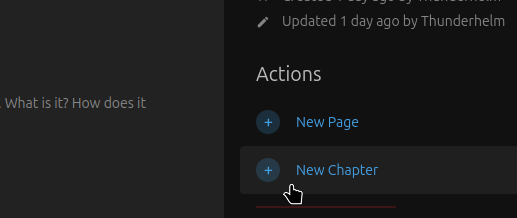
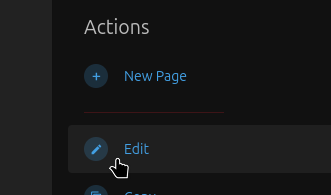
This will bring you to some settings for the new chapter. The name will show up in all sidebars and listings for the chapter, but the description will only be visible when viewing the book or the chapter directly. Tags and templates are explained elsewhere, and entirely optional. All of this may be changed later using the edit option in the Actions menu.
Adding and Removing Pages
Any pages you create while viewing the chapter will automatically be added to the chapter. If you would like to add already existing pages to the chapter, you can do that by sorting the book, which is explained in the Books page.
No comments to display
No comments to display