
Revisions
Each page has a version history built in which allows you to see what each person has left on the page. All the changes made on each edit are public information for anyone with viewing power. These version are made every time a page is saved.
Viewing Revisions
To see revisions while viewing a page, you can click the Revisions button in the Action menu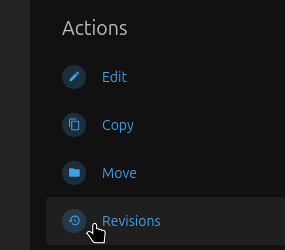
This will bring you to a page listing all revisions.
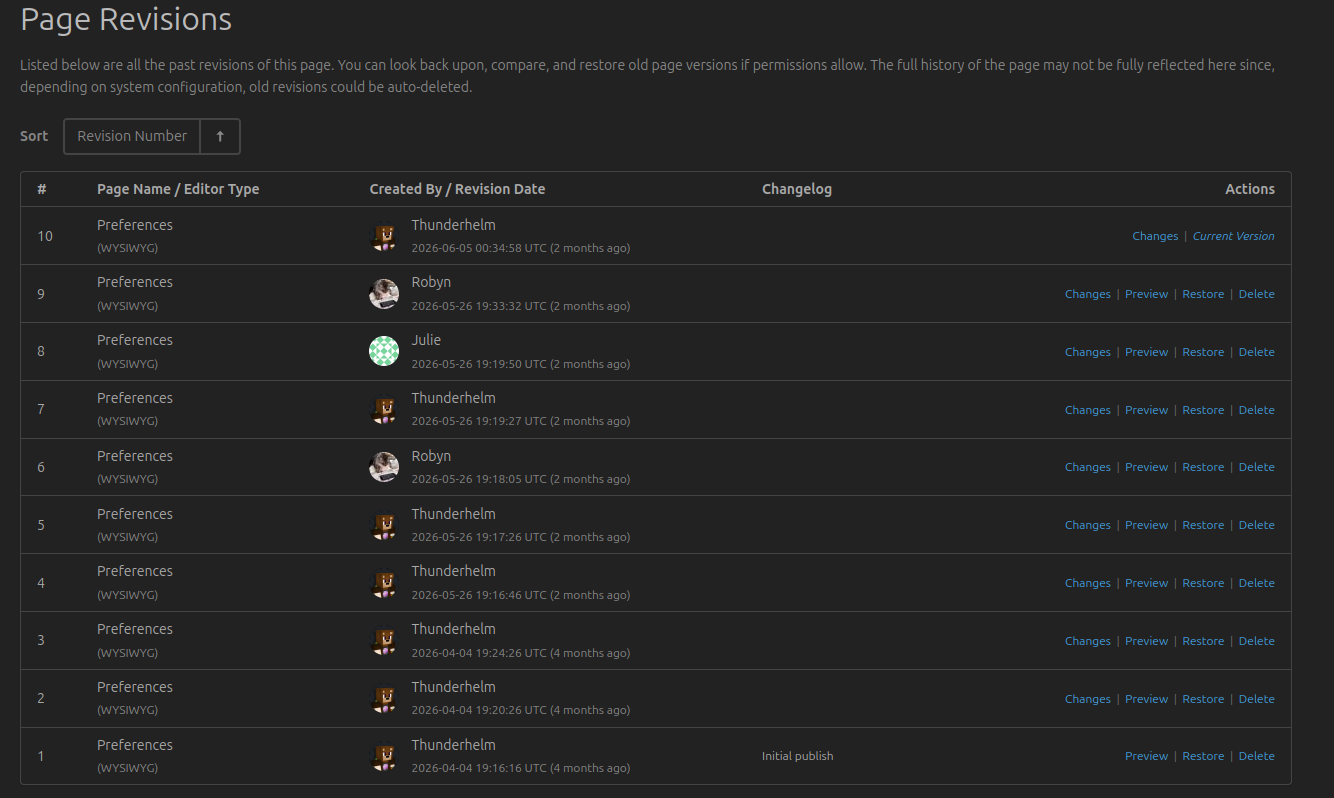
You can click on the Changes link on any of the revisions to see what changed between versions
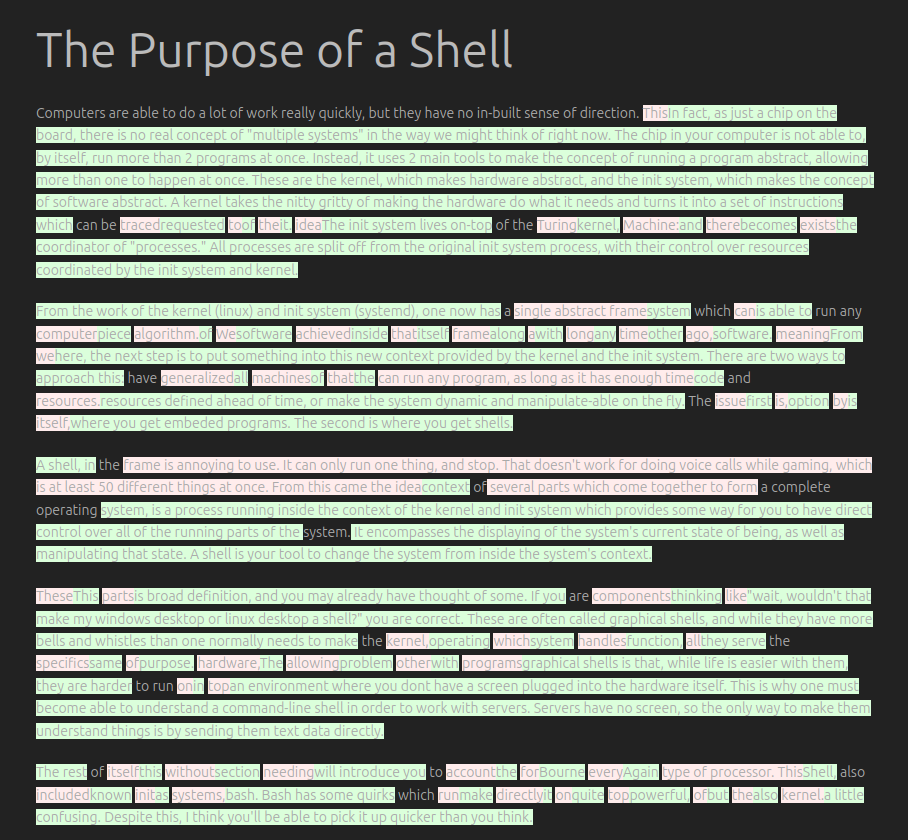
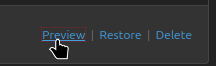
words in green were added, words in red were removed. If you would like to just see what it looked like at the time, you can instead press the Preview link.
Restoring
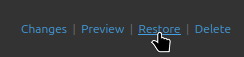
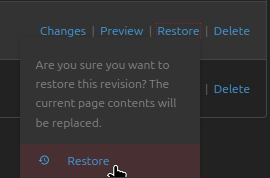
When viewing revisions you can choose to restore how a page was written in a previous version by pressing the Restore link and confirming. This will create a new revision, meaning the text lost by restoring a previous version is itself preserved in the revision history of the page.
No comments to display
No comments to display