
Comments
Each page can be commented by anyone with the ability to alter it. These comments are treated separately from the content of the page, and can be used to coordinate changes or revisions of the page content. You can find the comments section at the bottom of each page.
Writing a Comment
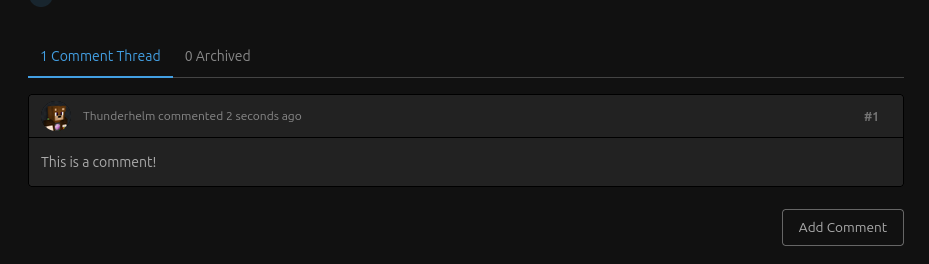
To make a new comment press the Add Comment button at the bottom of the page.
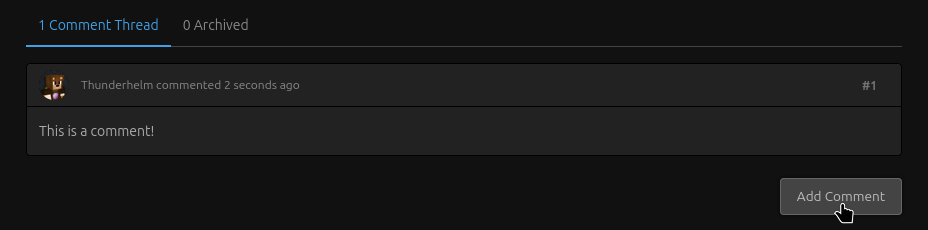
New comments will always be added to the bottom of the comment section.
Replying to a Comment
When trying to reply to a comment, you can hover over it and press the Reply button

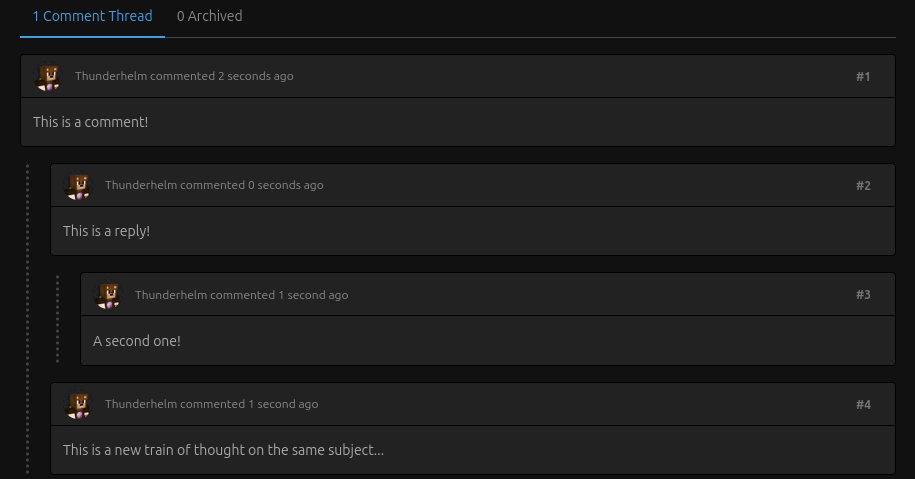
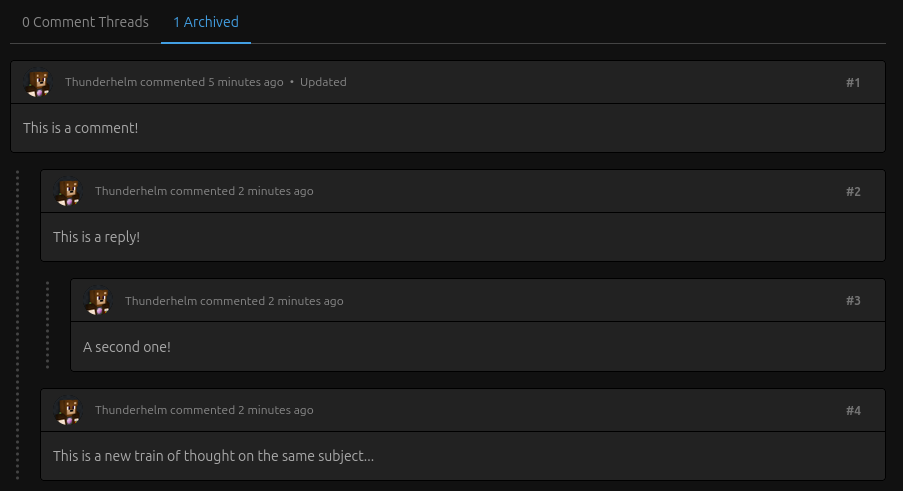
Replies can end up becoming complex. You can reply to replies in the same way, and cause branching reply chains for particularly complex topics.
Archiving Comments
Once the topic of a set of comments have been resolves, and changes have been made (or, in some cases, haven't been made), it's a good idea to archive comments. This means they they wont appear at the bottom of the page anymore, and cannot be replies too. They are still preserved in the Archived tab of the comment section, but it keeps the active section clean and relevant. To archive, hover over a comment and press the Archive button.
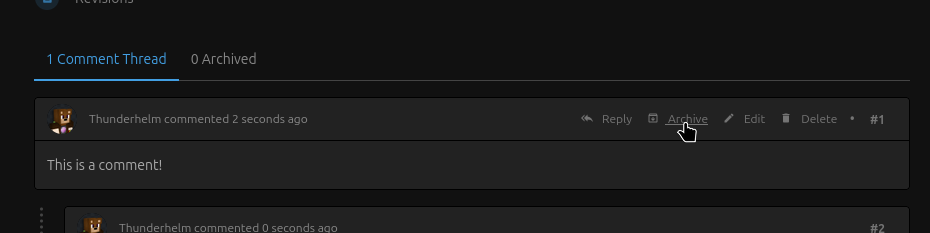
Now the comment will be visible under the Archived tab.

No comments to display
This is a comment!
In reply to #1
This is a reply!
In reply to #2
A second one!
In reply to #1
This is a new train of thought on the same subject...
No comments to display