
Book
Books are the name-sake of Bookstack, acting as a binding to bring together several pages and chapters into an explicit order, complete with fine grained permissions, covers, and portability. At their base structure a book is a topic with many moving parts, and those parts are represented by the books pages and chapters.
Books are the main unit of information bookstack builds itself around. They are the most portable, being able to be put in multiple shelves or no shelves at all. They are the most fine-grained, having their own permissions systems for editors and viewers. They are the most fundamental, with most of Bookstack's backend systems treating the book as the root of all other information for anything inside of it. Books are also very flexible, one can be created and altered for any reason, just like any other part of the wiki.
Making a Book
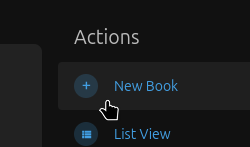
Books can be created while viewing a shelf (though the book will not be restricted to that shelf), or it may be created in the books tab of the website. On either page, you can press the Create a Book button from the Actions menu.
You will be shown several options, all of these can be changed later. The name will show up wherever the book is listed, and the description will show up when looking at the book on the books tab, on a shelf, or by viewing the book directly. Cover images will appear in shelves and the books tab to make the book easier to spot from a sea of books. Tags and templates are more advanced features and will be covered later.
Sorting a Book
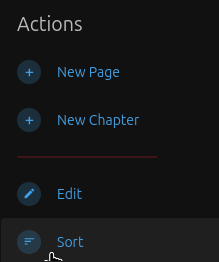
While viewing a book, you can sort it to change the order of chapters and pages. To do so, while viewing the book or one of it's chapters, press the Sort Book option in the Actions menu.
You will be given a large green box with the pages and chapters listed in order, along with some quick sort buttons.
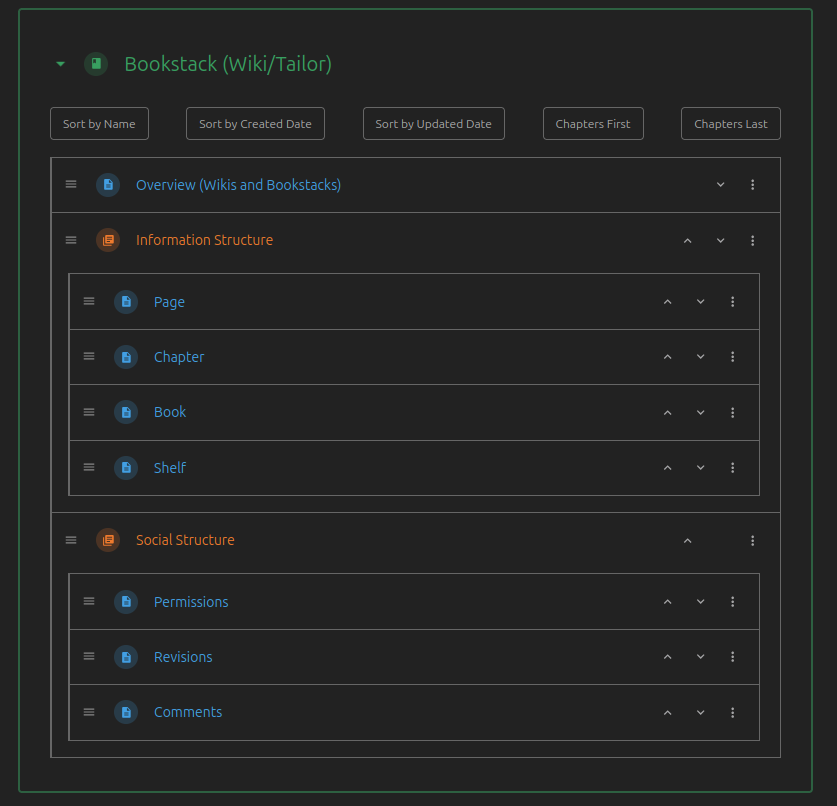
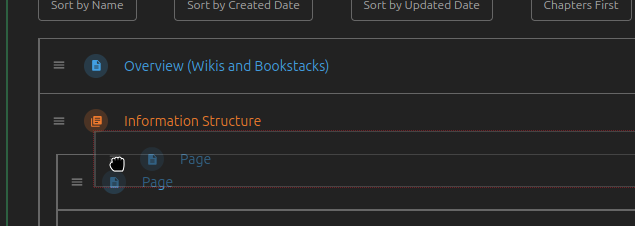
From here, you can click and hold onto the 3 lines next to a page or chapter to drag and drop them into a new order.
Click the Save New Order button at the bottom once you have a layout you like.
No comments to display
No comments to display