
Installing a Syndicate Client
In this sense a syndicate client is a client which does not require a Microsoft account to use. In this sense, clients like Prism are not syndicate clients because they do not have alternative authentication. Clients that do have alt-auth, like Fjord, may have other issues like requiring at least 1 logged in Microsoft account as an "anti-piracy" measure. Thats why we use Freesm, which is just Prism but without the Microsoft requirements.
Instructions are provided for specifically Linux Mint, or any Linux distribution with Flatpak support. Windows users will need to guide themselves.
- Open your terminal using Ctrl + T
- Paste in the following and press enter:
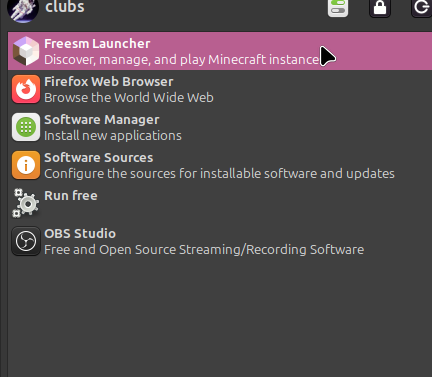
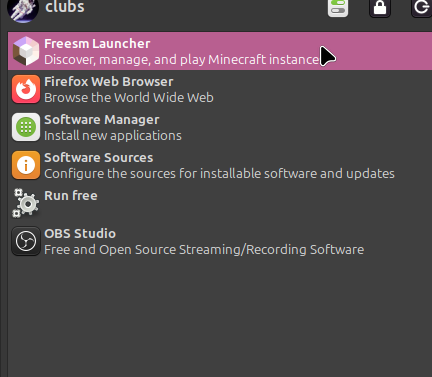
flatpak remote-add --if-not-exists freesmlauncher https://flatpak.freesmlauncher.org/freesmlauncher.flatpakrepo flatpak install org.freesmlauncher.FreesmLauncher - Freesm should now be installed. Open it using your start menu
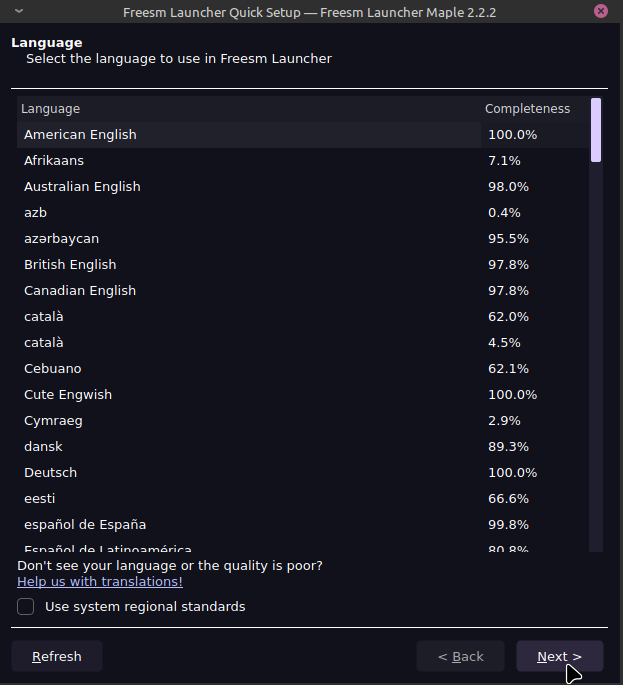
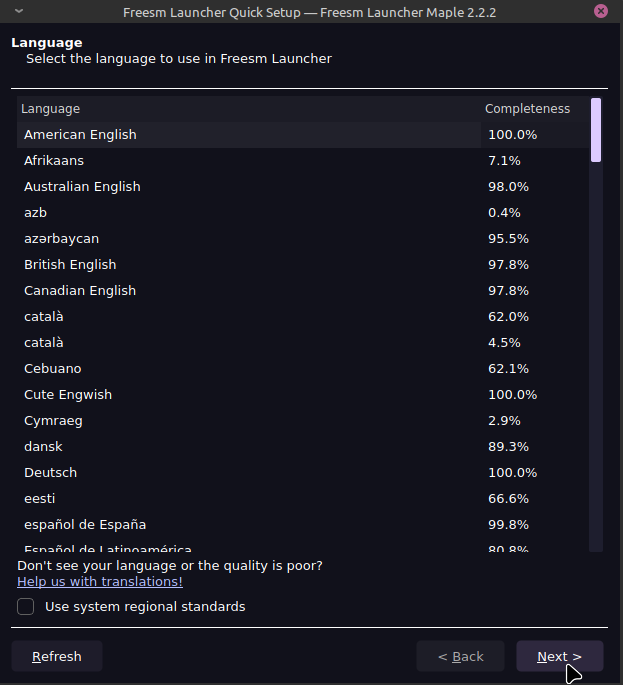
- Select your language and press next
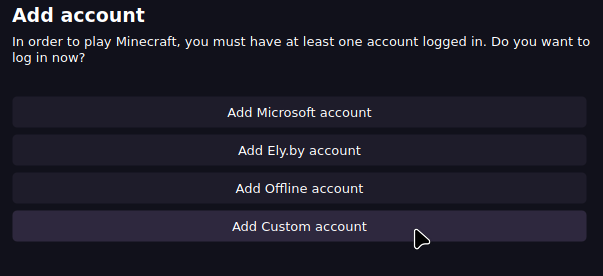
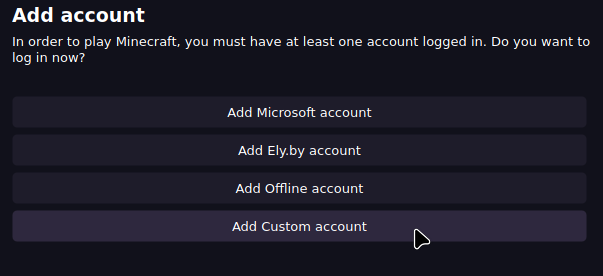
- Press "Add Custom Account"
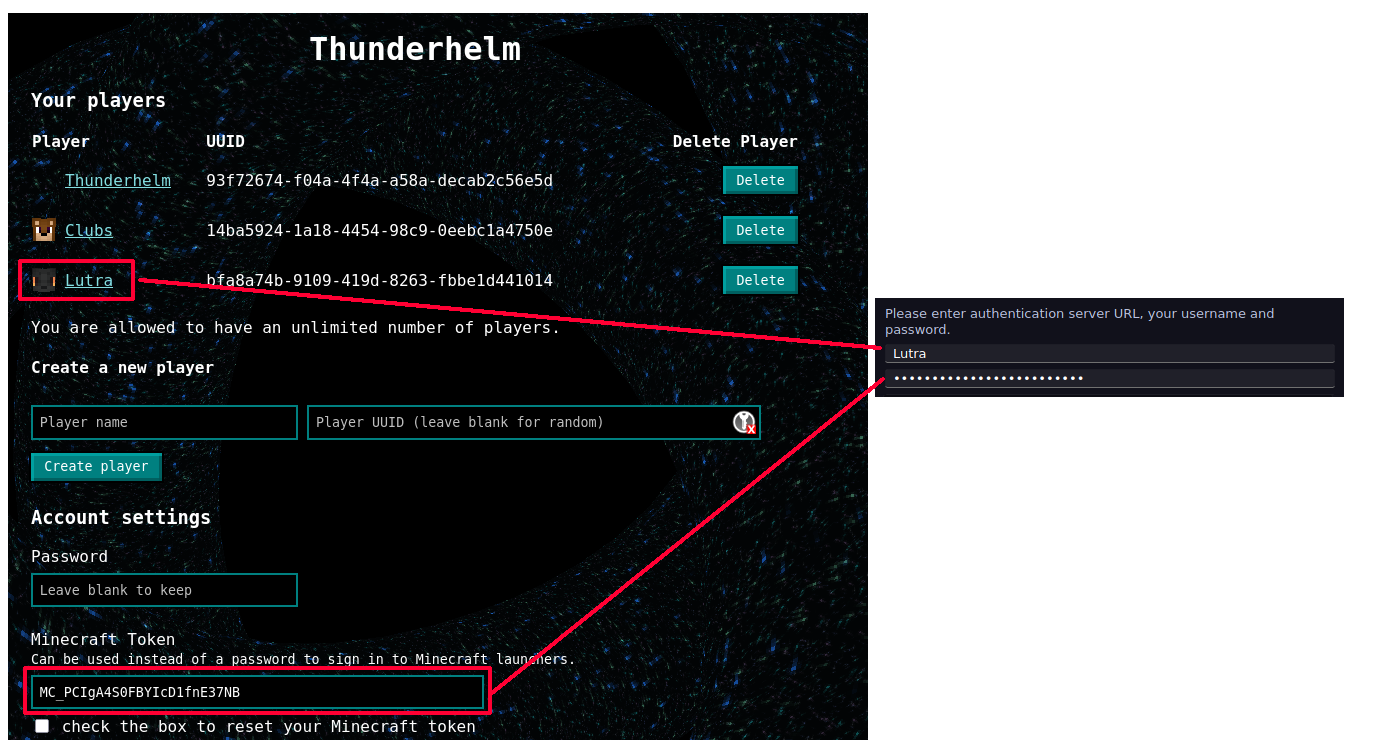
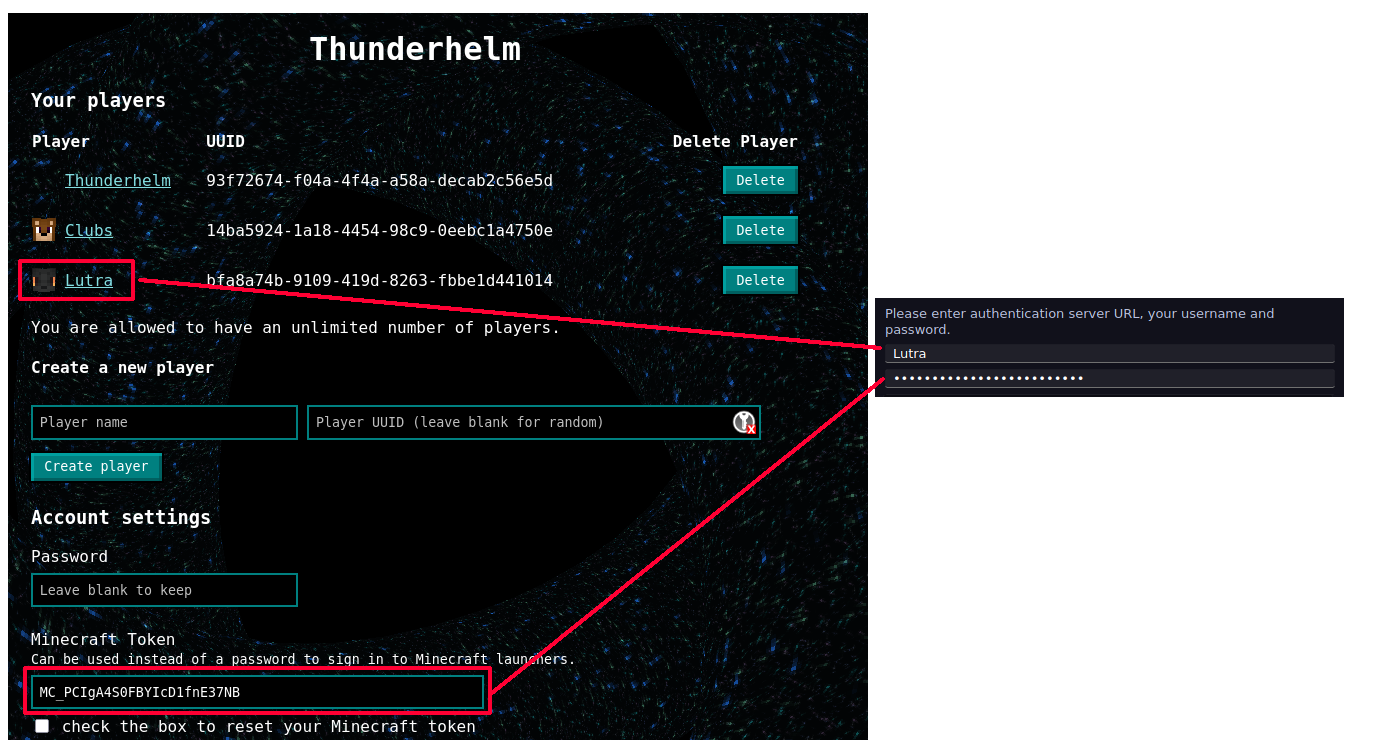
- Use your Syndicate account information to log in by using one of your player's usernames, and your minecraft token as the password
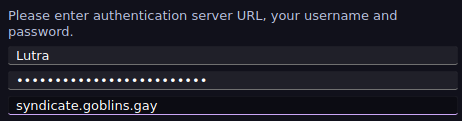
- Put
syndicate.goblins.gayin the Auth URL box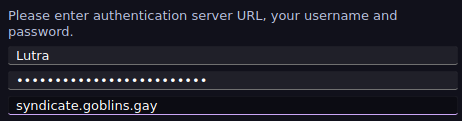
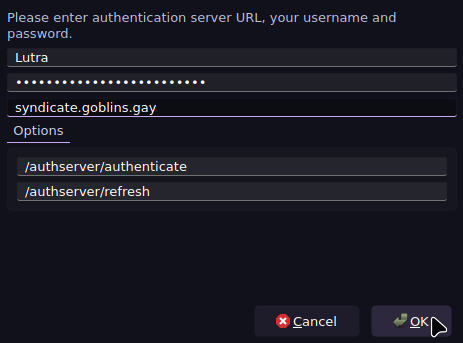
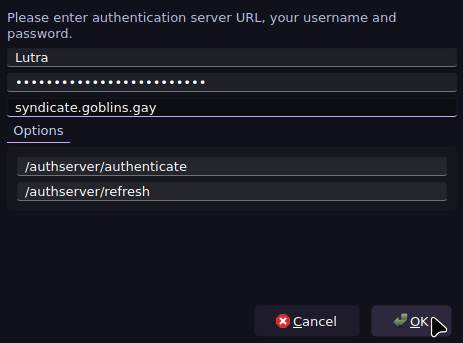
- Press OK
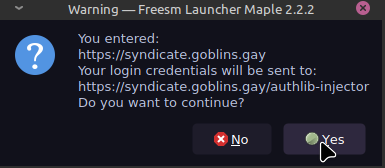
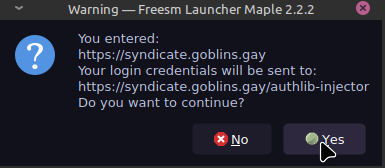
- Press Yes
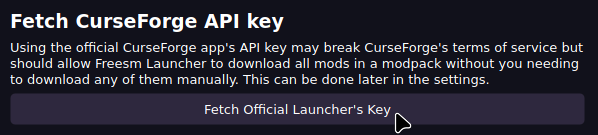
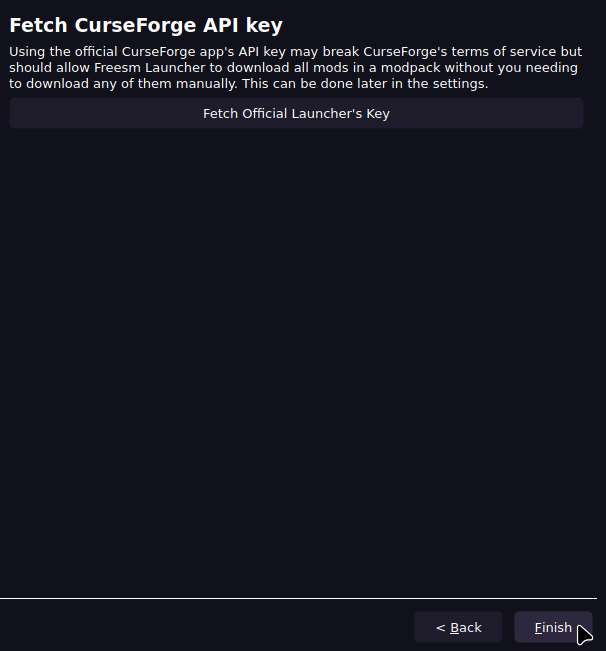
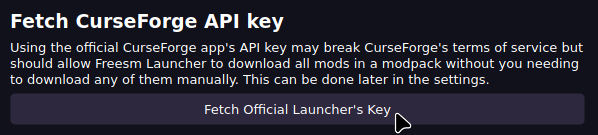
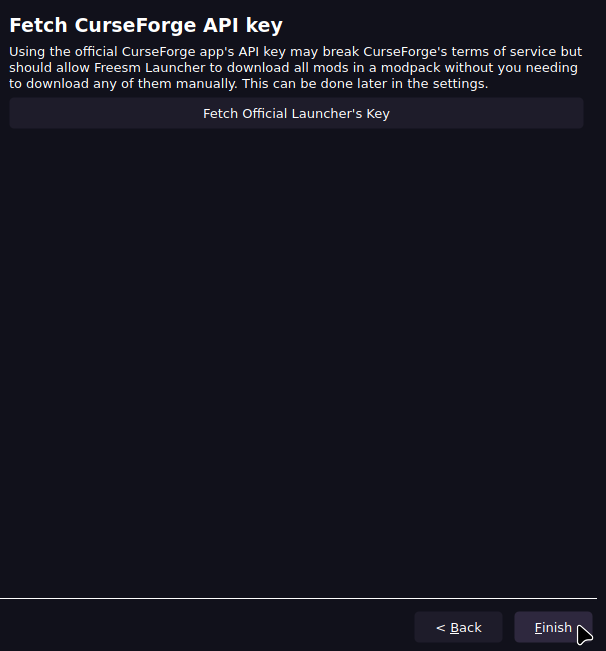
- Press Fetch Official Curseforge Key
- Press Finish
No comments to display
No comments to display