Skip to main content
Changing a Player Skin or Cape
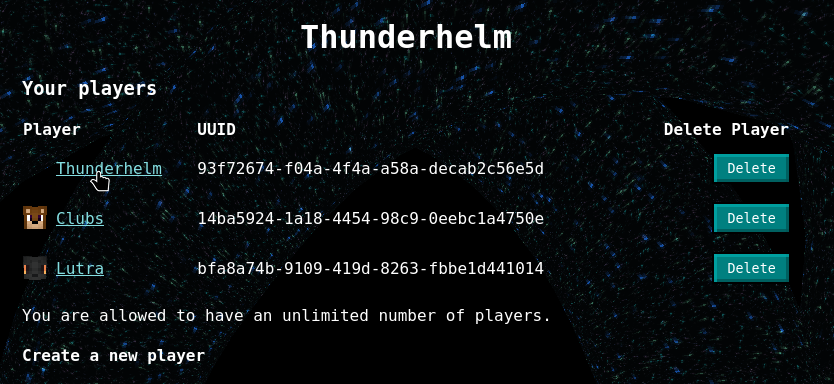
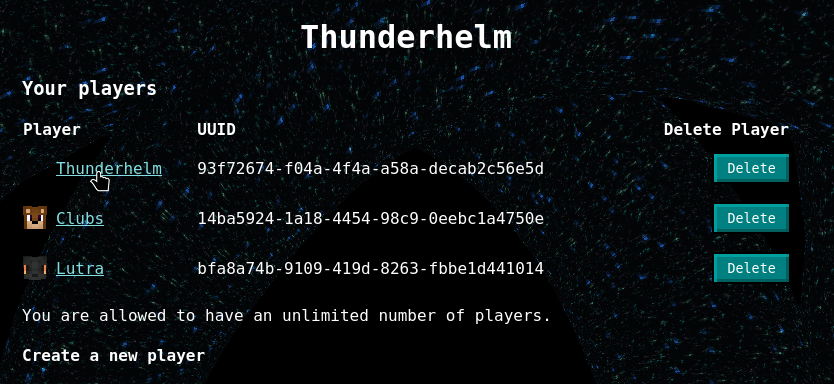
- Go to your Syndicate account and click on the player name you want to change the skin of
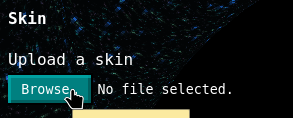
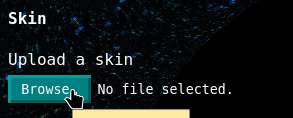
- Press the Browse button under Upload Skin and select the file you want (skip if you only want to change your cape)
- If the arms of the skin are only 3 pixels wide instead of 4, press the Slim option

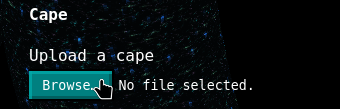
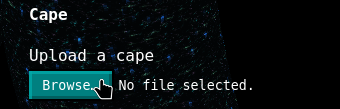
- Press the Browse button under Upload Cape and select the file you want (skip if you only want to change your skin)
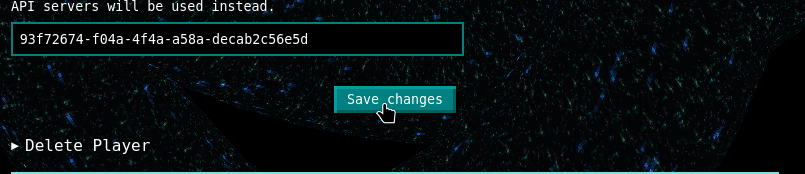
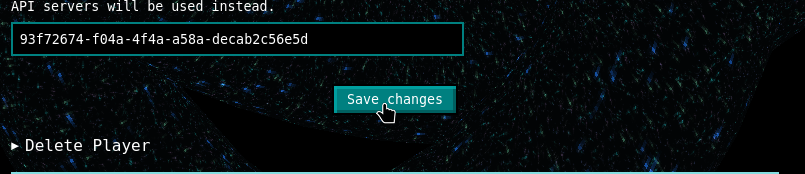
- Press Save Changes to change the skin and cape. It will not save otherwise.
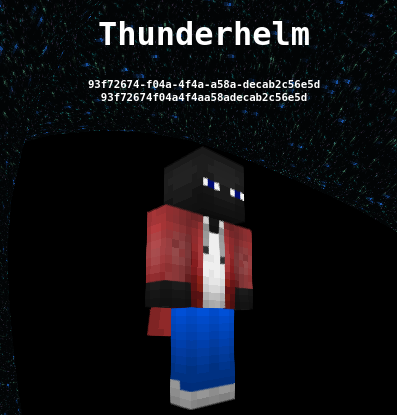
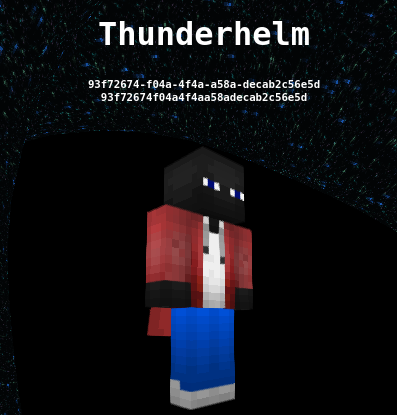
- Admire the new skin


No comments to display
No comments to display