
Per-Message Profiles (MSC 4144)
A Per-Message Profile (PMP) is a method to change the icon and username shown on a specific message without needing to constantly change the avatar and name of youself in a space, or setting up alt-accounts. They are called personas in Sable.
Enabling Personas (PMPs)
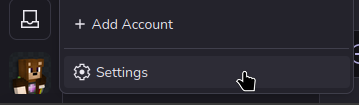
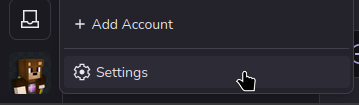
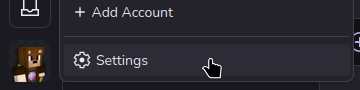
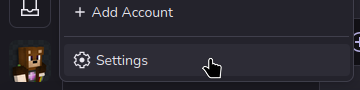
- Go to your settings by clicking your icon in the bottom left of the window
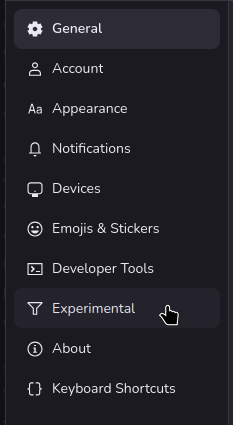
- Click into the "Experimental" tab
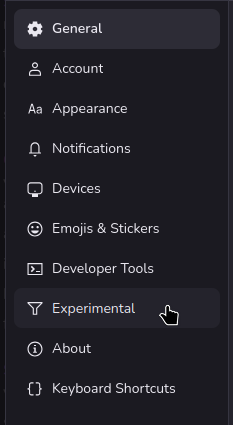
- Check the box near the bottom named "Personas (Per Message Profiles)"

- You can now use PMPs! Even if other people don't have this box checked, they can still see your PMPs.

Creating PMPs
- Go into your settings
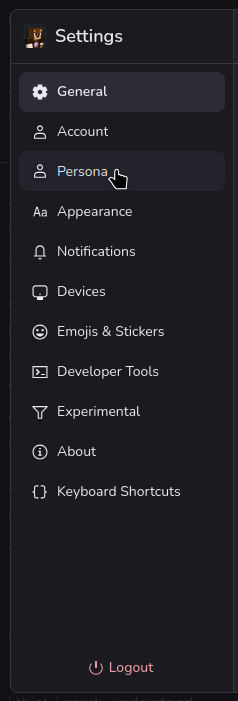
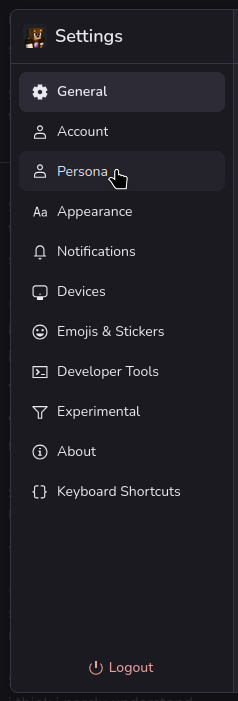
- Click on the Personas settings tab
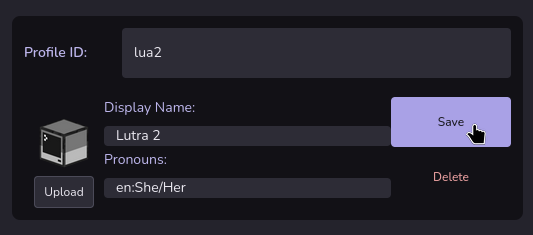
- On the Personas settings page, click the add button next to "Per Message Profiles"

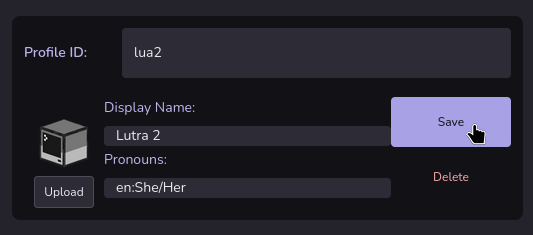
- Change the profile ID to a helpful shortcode. This will be what you use to swap between per-message profiles.

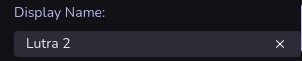
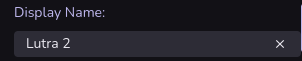
- Change Display Name to the name you want to show up when you send messages.
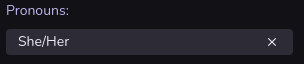
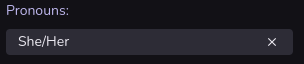
- Change the pronouns which will show up when you send messages.
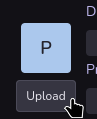
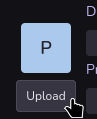
- And press the upload button to select an icon that will show up when you send a message.
- Once you have setup all of the options in section 4 through 7, press the save button
- You can now use the profile in any room you want!


Swapping PMPs
To change the PMP you use in a chatroom, you will need to use the /usepmp command. To do that
- Go into the room you'd like to use the PMP in
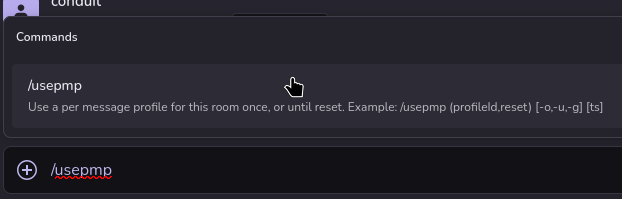
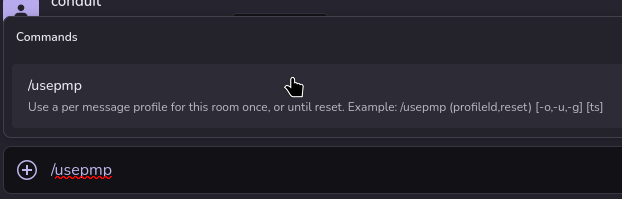
- type "/usepmp" and either press tab, or click the "/usepmp? button that shows up above the chatbox.
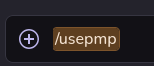
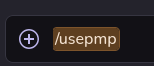
- You'll know the message will be a command if "/usepmp" appears in a colored box after doing step 2.
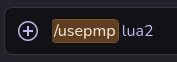
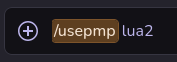
- Lastly, put in the ID you setup for your PMP into the command, and send it
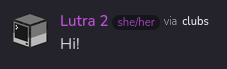
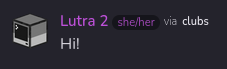
- You should see an alert that is shown only to you which looks like this

- All messages you now send will be through the PMP you set!

No comments to display
No comments to display