
Downloading an Existing Repository
If a repository already exists somewhere else remotely, and you want to add a local copy of it to work on to your machine, you can use the clone sub command. When you use it, a new sub-folder will be created, and inside you will have the source code (positioned at the most recent change on the main branch), and all of the git repository information. This will also add the repository you cloned from as the remote repository, and it will have the name "origin". To find the link to clone a repository from, you will usually need to it's related Forge repository and copy the link from there. For example, on Forgejo, you would go here:
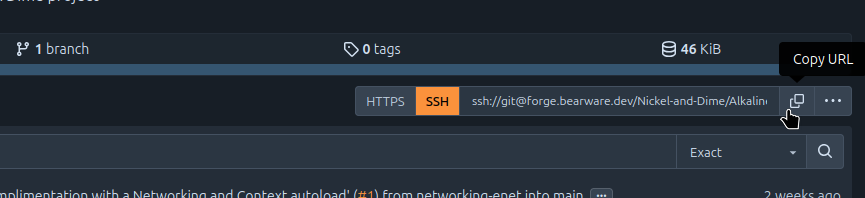
Once you have that url, you can clone using the following:
git clone url://example.com/remote/repository
No comments to display
No comments to display